Why Your Website Isn’t Getting Leads (And How to Fix It)
You invested in a website. Maybe you’ve even worked on your SEO, posted on social media, and shared your link everywhere you can think of.
So why aren’t the leads rolling in?
The truth is that getting visitors to your website is only half the battle. Once they arrive, your website has just a few seconds to convince them to stay and take action.
Here are some of the most common reasons websites fail to generate leads—and how to fix them.
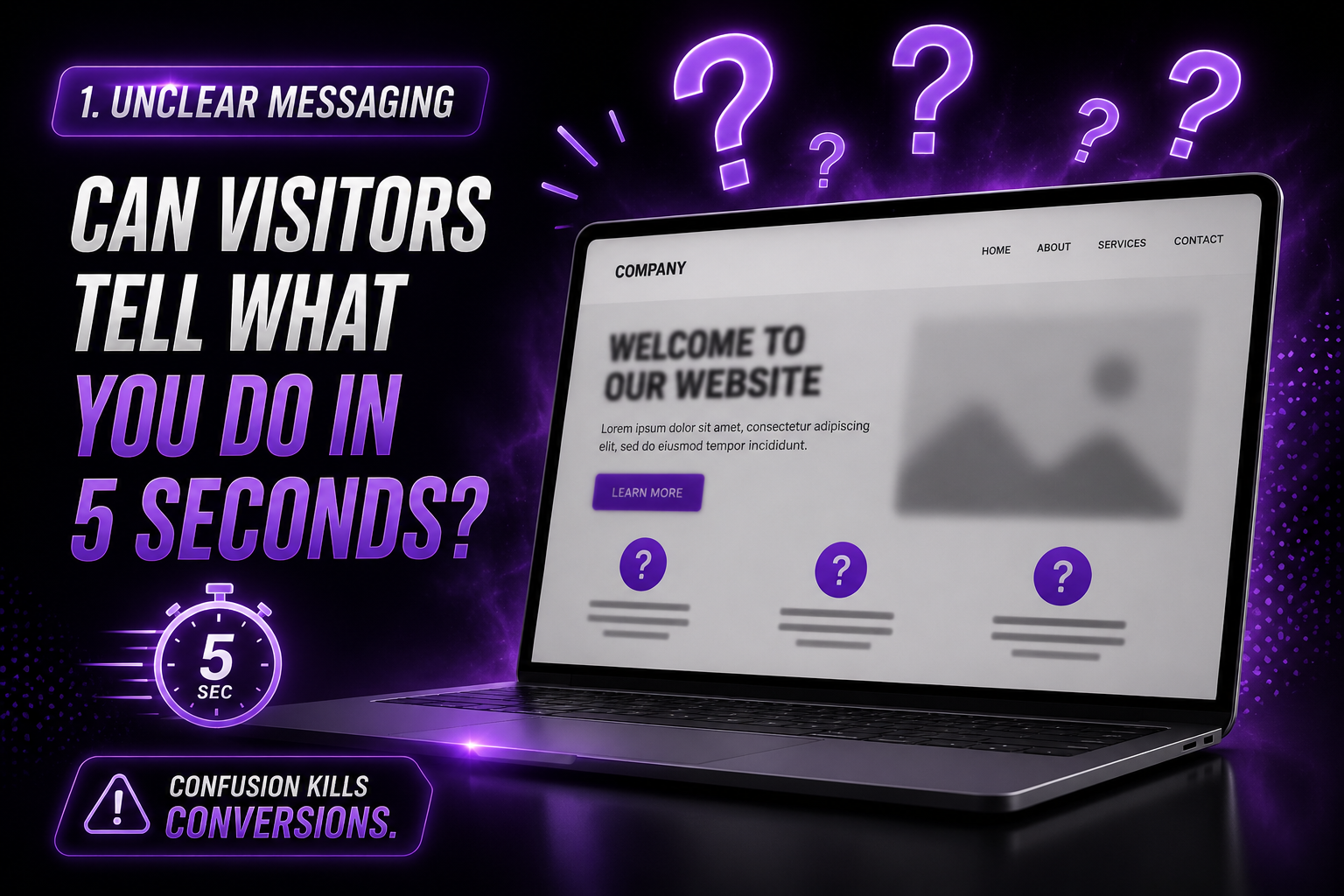 1. Visitors Don’t Immediately Understand What You Do
When someone lands on your website, they should know within seconds:
- Who you are
- What you offer
- Who you help
- How to contact you
If visitors have to scroll, search, or guess, many will leave before learning more.
Fix:
Use a clear headline near the top of your homepage that explains exactly what you do and who you serve.
Example:
Affordable Web & Print Design for Small Businesses Since 2007
 2. Your Call-to-Action Isn’t Clear
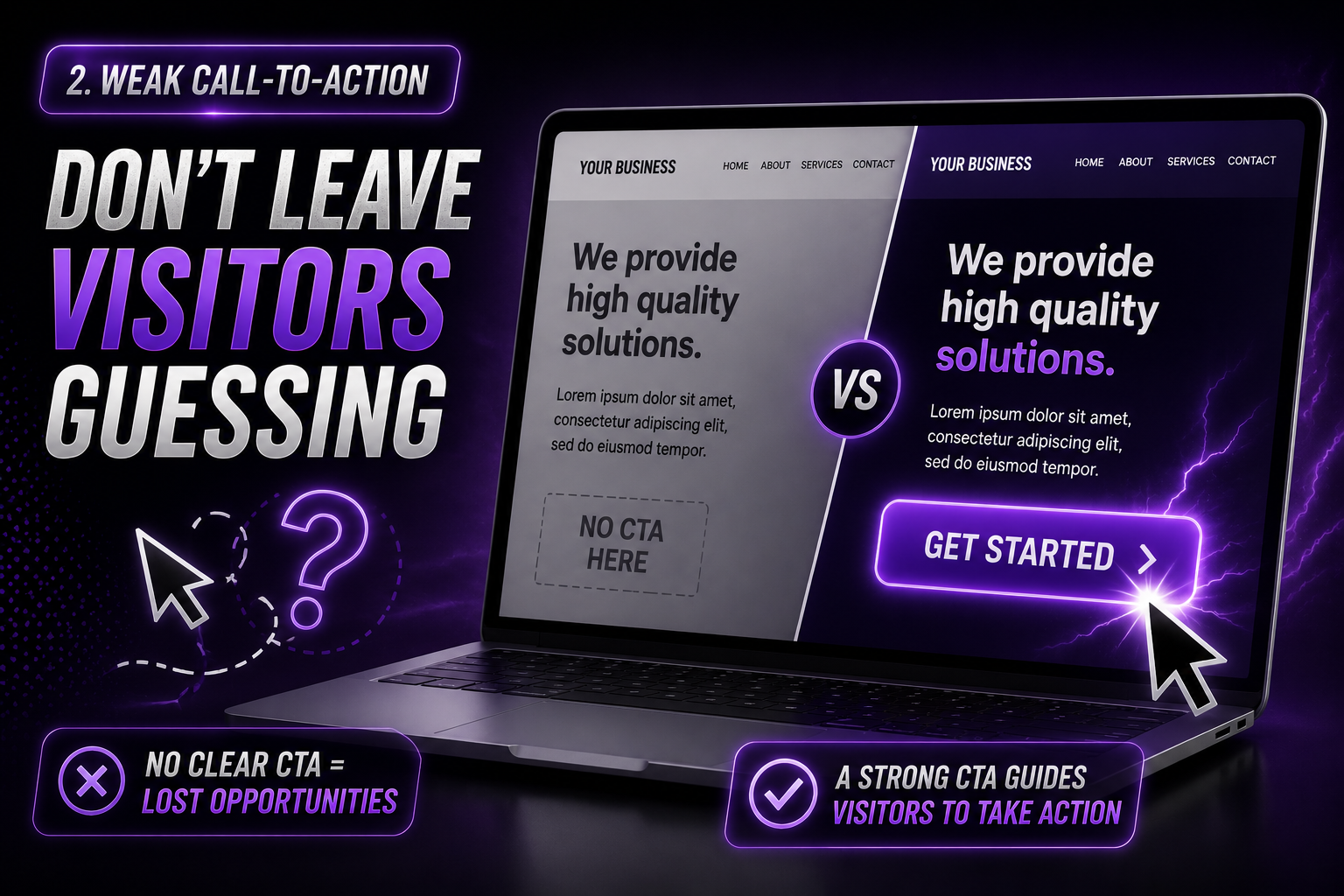 2. Your Call-to-Action Isn’t Clear
A surprising number of websites never actually tell visitors what to do next.
Do you want them to:
- Call?
- Fill out a form?
- Request a quote?
- Schedule a consultation?
If the answer isn’t obvious, visitors often do nothing.
Fix:
Use clear buttons throughout your site such as:
- Get a Free Quote
- Schedule a Consultation
- Call Now
- Request More Information
3. Your Website Looks Outdated
 3. Your Website Looks Outdated
People make judgments quickly.An outdated website can unintentionally make visitors question whether your business is still active or professional.
Fix:
Regularly update:
- Photos
- Services
- Testimonials
- Blog content
- Contact information
A modern, mobile-friendly website builds trust.
4. You’re Missing Social Proof
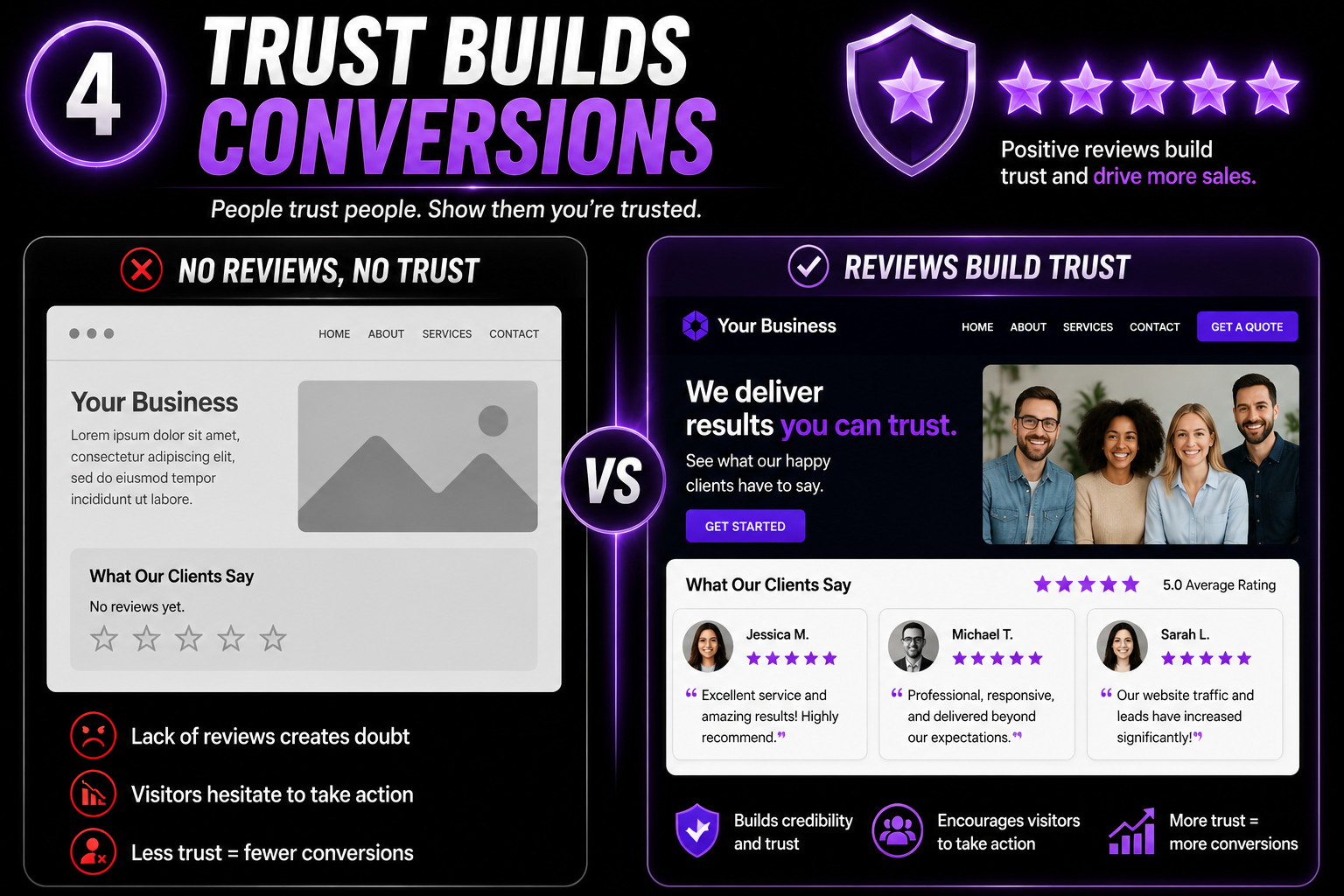 4. You’re Missing Social Proof
People want reassurance that others have worked with you successfully.
Without reviews, testimonials, or examples of your work, visitors may hesitate.
Fix:
Add:
Customer testimonials
- Google reviews
- Case studies
- Portfolio examples
- Before-and-after projects
Trust creates conversions.
5. Your Contact Information Is Hard to Find
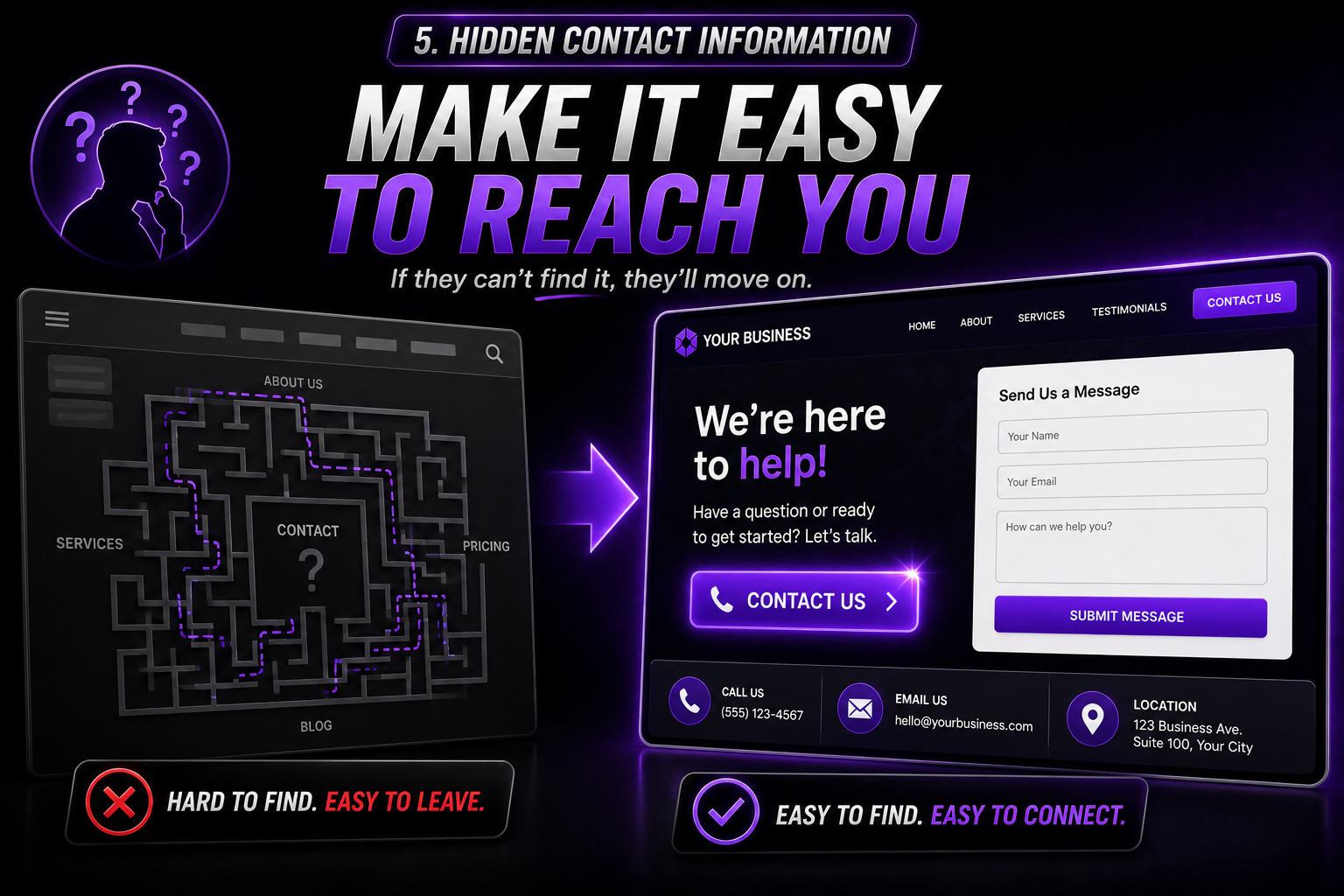 5. Your Contact Information Is Hard to Find
Never make potential customers hunt for your phone number or contact form.
Fix:
Display your contact information:
- In the website header
- On every page footer
- On a dedicated Contact page
- Next to important calls-to-action
The easier you make it, the more inquiries you’ll receive.
6. Your Website Loads Too Slowly
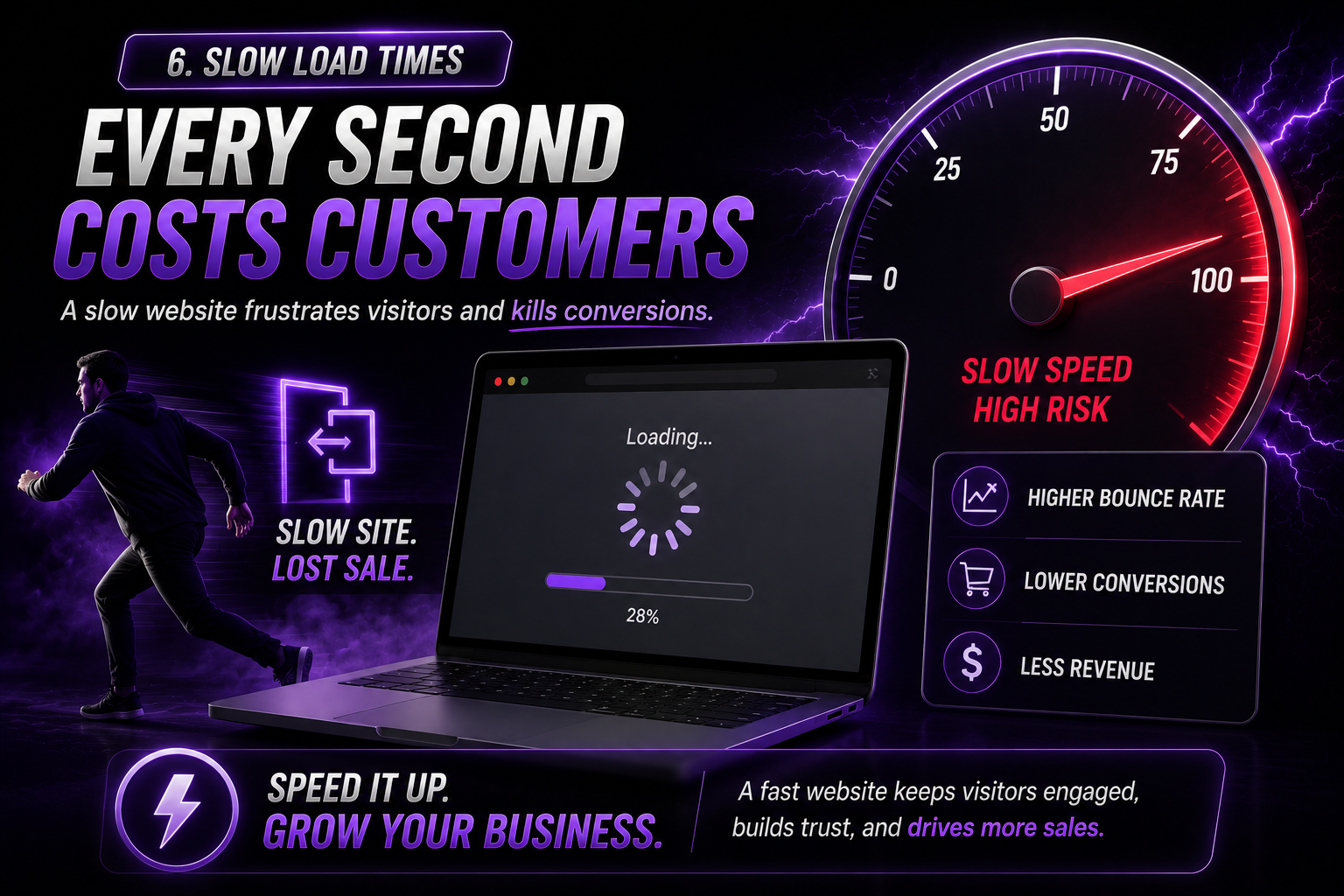 6. Your Website Loads Too Slowly
A slow website can send visitors straight back to Google.
Every second matters.
Fix:
Optimize:
- Images
- Plugins
- Hosting
- Caching settings
A faster website improves both user experience and search rankings.
7. You’re Getting Traffic From the Wrong Audience
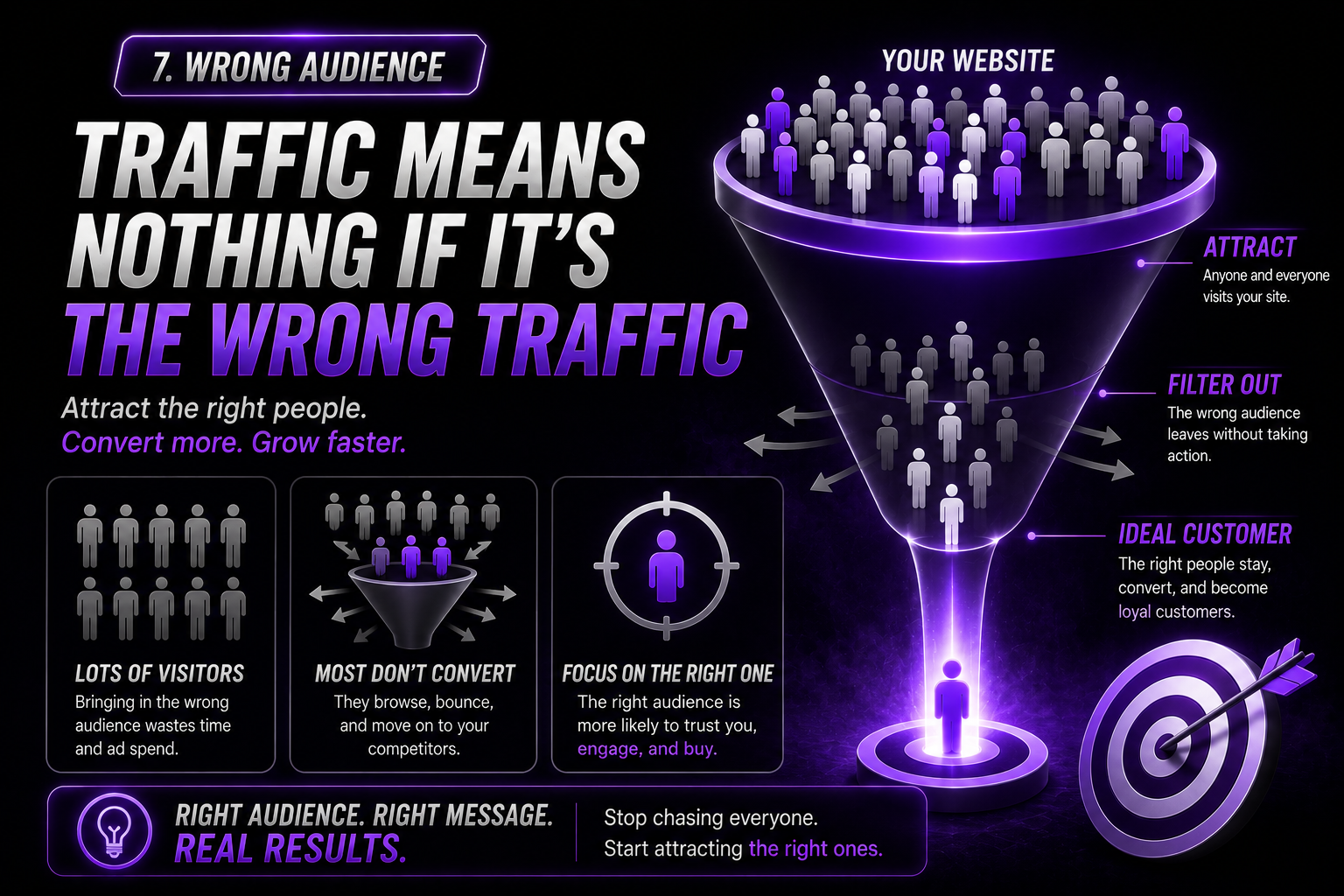 7. You’re Getting Traffic From the Wrong Audience
Sometimes the issue isn’t your website at all—it’s the type of visitors arriving there.
If your marketing attracts people who aren’t interested in your services, conversions will remain low.
Fix:
Focus your content and SEO strategy on attracting your ideal customer rather than simply increasing traffic.
Final Thoughts
A website should do more than look good—it should help your business grow.
If you’re getting visitors but not enough leads, take a closer look at your messaging, calls-to-action, trust signals, and user experience.
Small improvements can often lead to significant increases in inquiries, sales, and customer engagement.
Hit that button!